> For the complete documentation index, see [llms.txt](https://mazingxr.gitbook.io/mazing-world/llms.txt). Markdown versions of documentation pages are available by appending `.md` to page URLs; this page is available as [Markdown](https://mazingxr.gitbook.io/mazing-world/de/faq/3d-modell-anforderungen.md).
# 3D-Modell Anforderungen
Erstellung eines 3D-Modells – von minimalen bis idealen Informationen
#### English
Fundamentally, we try to work pictures and dimensions that you already have.\
Here’s a short guide to help you prepare the essential information for creating a 3D model.
***
#### German
Grundsätzlich arbeiten wir mit den Bildern und Abmessungen, die Sie bereits haben.\
Hier ist eine kurze Anleitung, welche Informationen wir für die Erstellung eines 3D-Modells benötigen.
{% tabs %}
{% tab title="English" %}
#### 📏 Dimensions
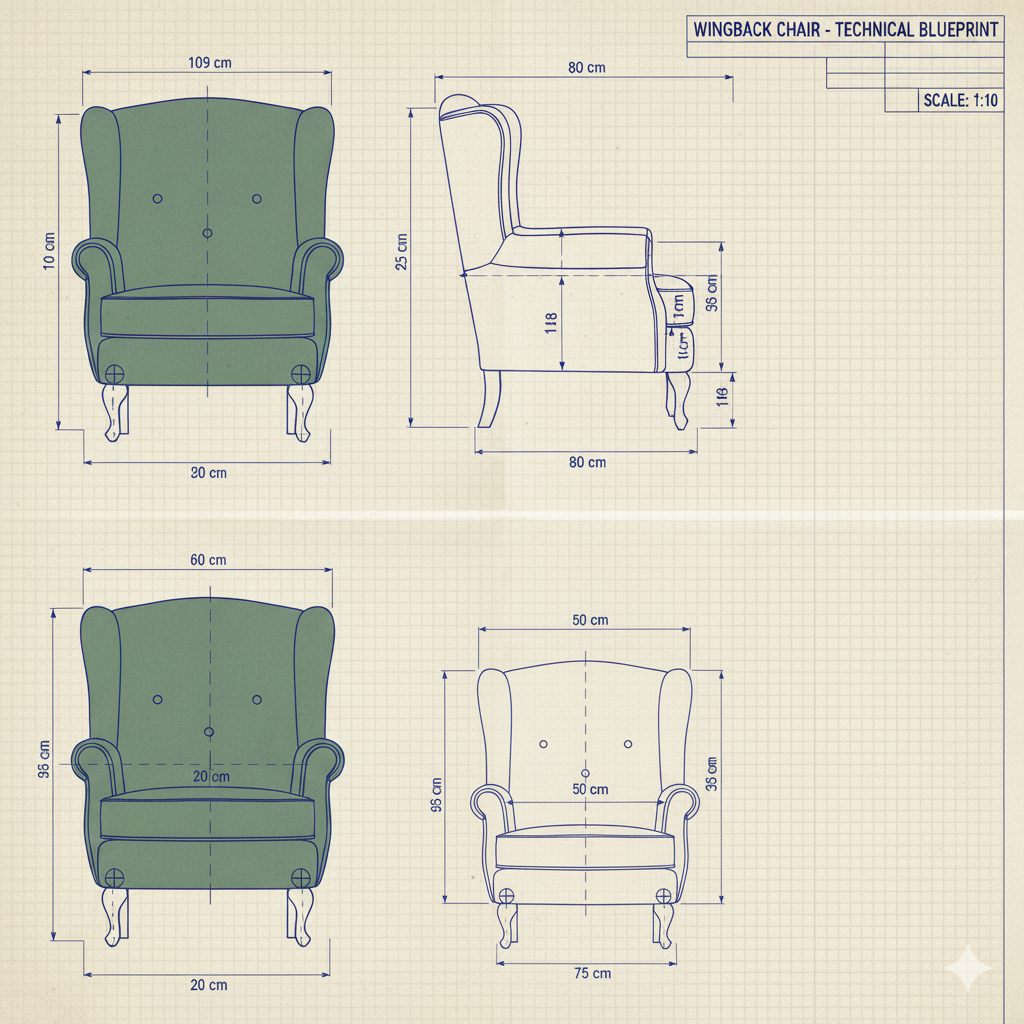
To create an accurate 3D model, we need the **minimum** and, ideally, the **complete set of dimensions** of your product.
**Minimum required:**
* Length
* Height
* Depth
**Ideal (recommended):**
* All visible part dimensions (e.g., seat height, armrest height, drawer width, table leg thickness, etc.)
* or technical drawing or sketch (PDF, JPG, or hand-drawn)
* or technical file. stp, 3dw ...
Providing precise measurements helps us ensure the 3D model reflects the real product’s proportions and geometry accurately.\
\
Example:
***
#### 🖼️ Images
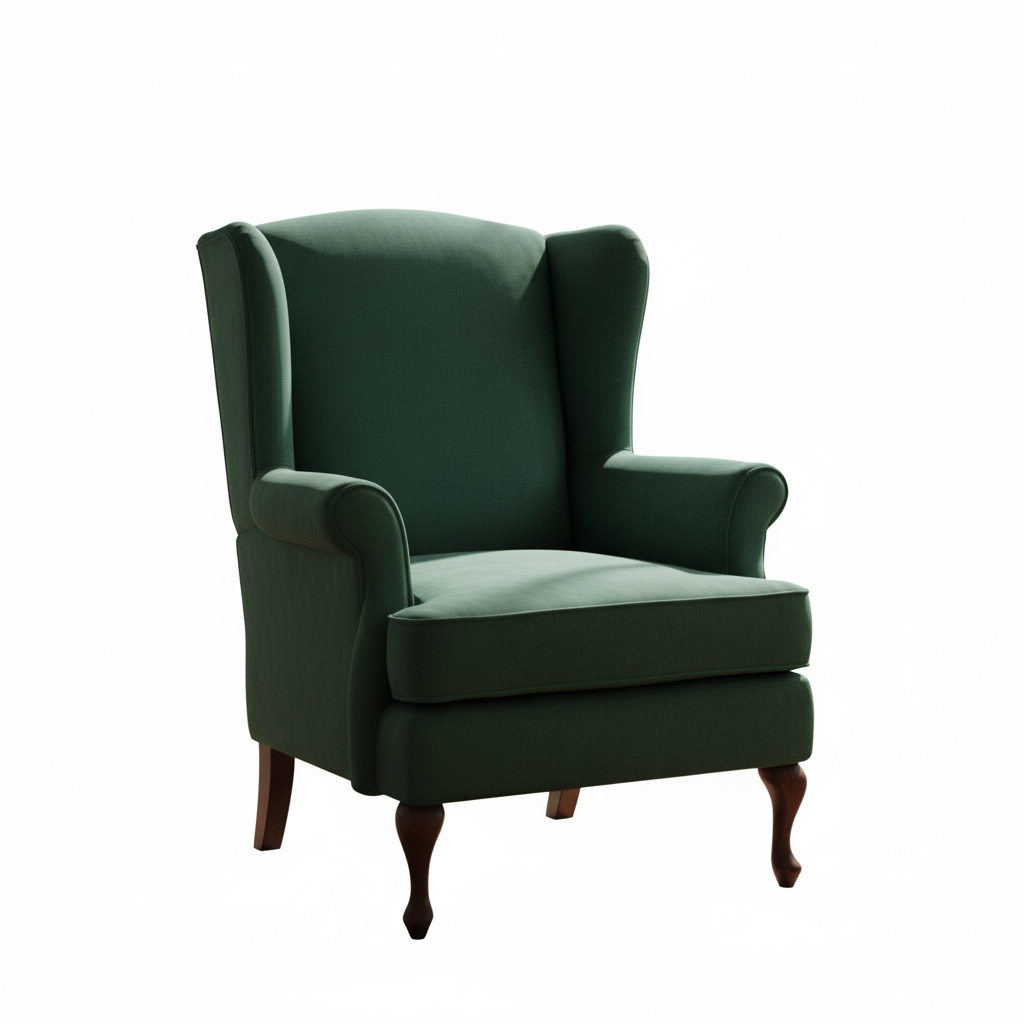
To ensure realistic textures and proportions, please provide **at least one clear image** of the product.
**Minimum required:**
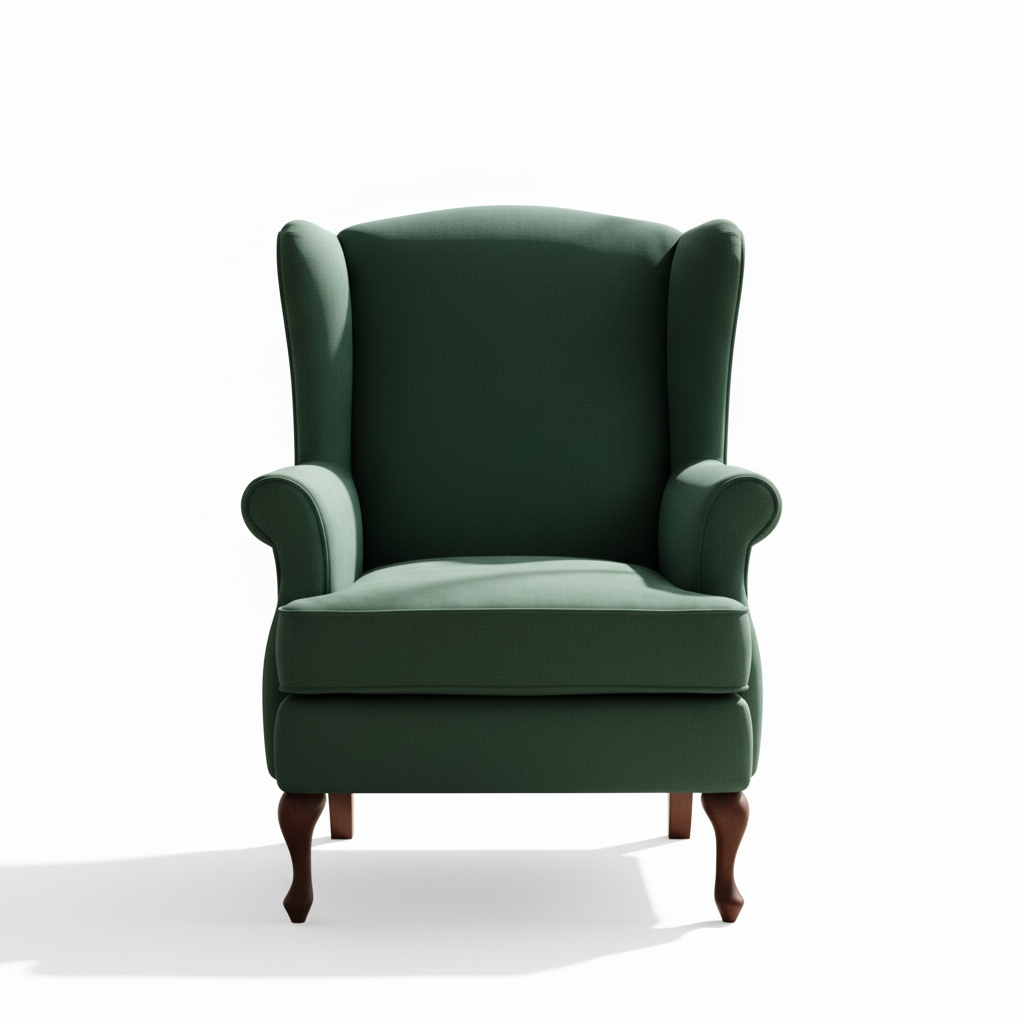
* 1 frontal image (ideally well-lit, straight-on view)
**Ideal (recommended):**
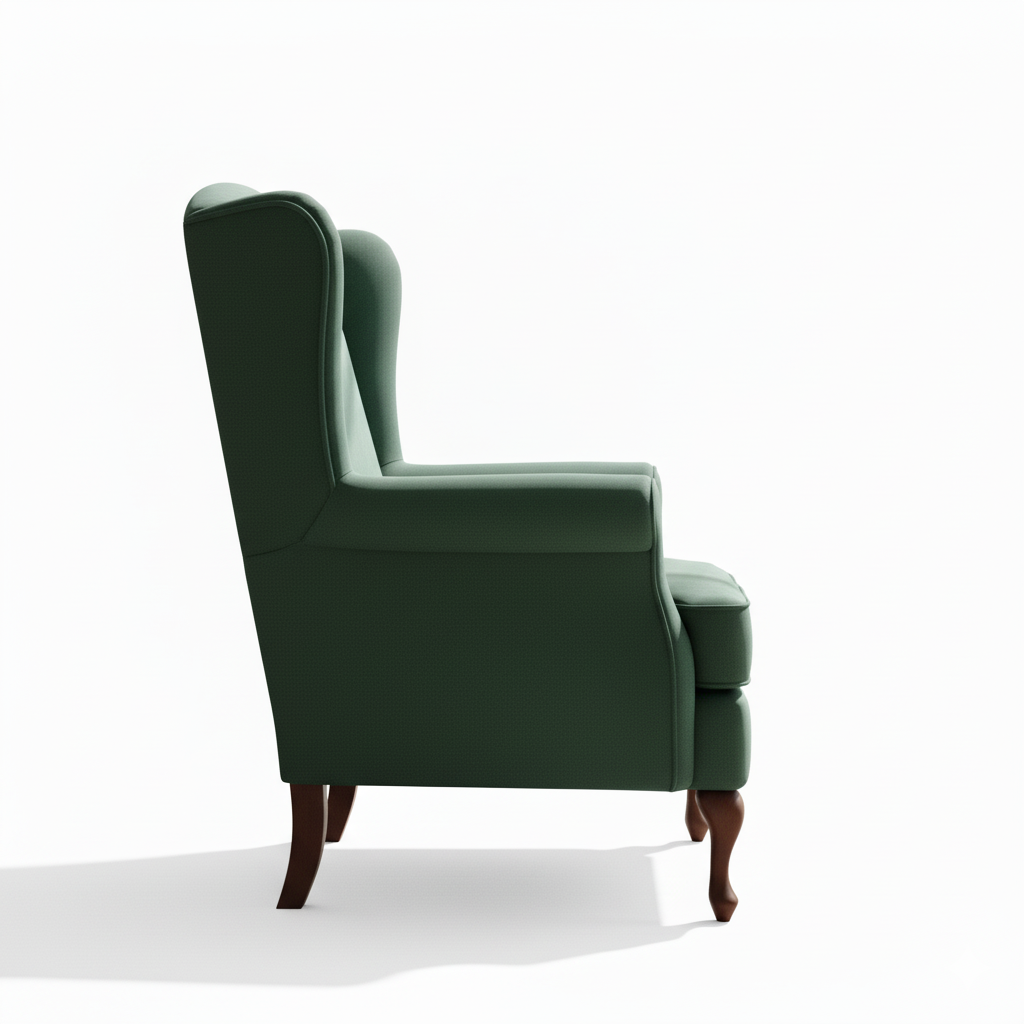
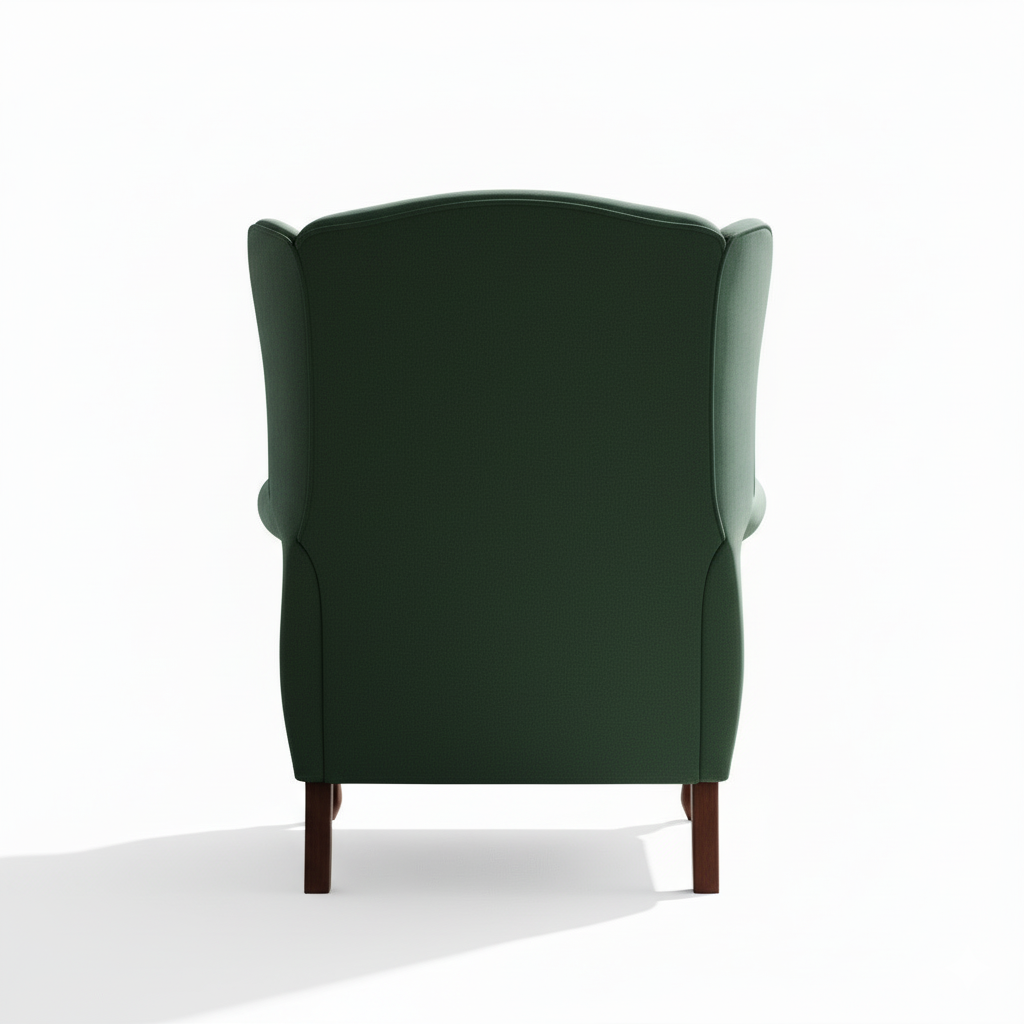
* Images from **all angles** (front, side, back, top)
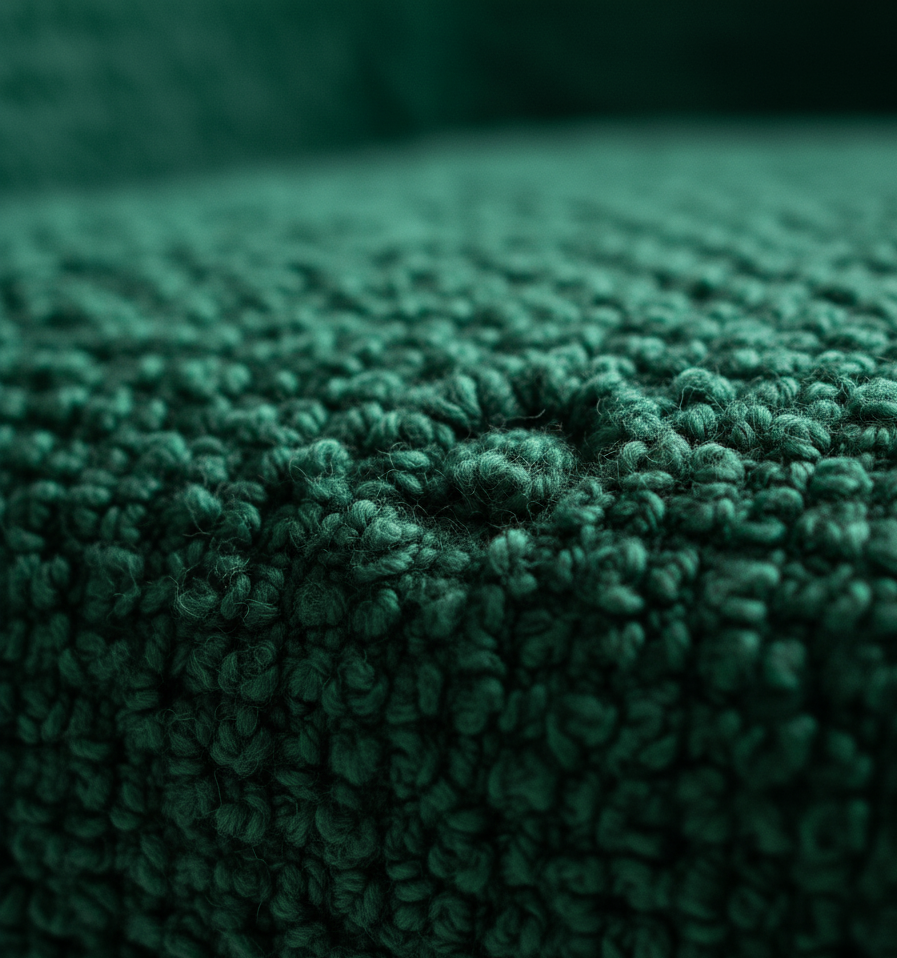
* Close-ups of **materials, textures, and details** (e.g., handles, seams, surfaces)
* Consistent lighting and neutral background
High-quality reference images help us recreate your product accurately in 3D.\
\
Examples:
Standard View
Front View
Side View
Back View
Texture Closeup
{% endtab %}
{% tab title="Deutsch" %}
#### 📏 Abmessungen
Um ein präzises 3D-Modell zu erstellen, benötigen wir mindestens, idealerweise jedoch das vollständige Maß-Set Ihres Produkts.
**Mindestens erforderlich:**
* Länge
* Höhe
* Tiefe
**Ideal (empfohlen):**
* Alle sichtbaren Teilmaße (z. B. Sitzhöhe, Armlehnenhöhe, Schubladenbreite, Tischbein-Stärke usw.)
* oder technische Zeichnung bzw. Skizze (PDF, JPG oder handgezeichnet)
* oder technische Datei (.stp, .3dw, …)
Genaue Maße helfen uns, die Proportionen und Geometrie Ihres Produkts im 3D-Modell realistisch darzustellen.
**Beispiel:**
***
#### 🖼️ Bilder
Um realistische Texturen und Proportionen sicherzustellen, stellen Sie bitte **mindestens ein klares Produktbild** zur Verfügung.
**Mindestens erforderlich:**
* 1 Frontalaufnahme (gut ausgeleuchtet, gerade Ansicht)
**Ideal (empfohlen):**
* Bilder aus allen Blickwinkeln (Vorder-, Seiten-, Rück-, Draufsicht)
* Nahaufnahmen von Materialien, Texturen und Details (z. B. Griffe, Nähte, Oberflächen)
* Gleichmäßige Beleuchtung und neutraler Hintergrund
Hochwertige Referenzbilder helfen uns, Ihr Produkt im 3D-Modell möglichst genau nachzubilden.
**Beispiele:**
{% endtab %}
{% endtabs %}