> For the complete documentation index, see [llms.txt](https://mazingxr.gitbook.io/mazing-world/llms.txt). Markdown versions of documentation pages are available by appending `.md` to page URLs; this page is available as [Markdown](https://mazingxr.gitbook.io/mazing-world/ai-apps/workflow-features.md).
# Workflow Features
## Image Result
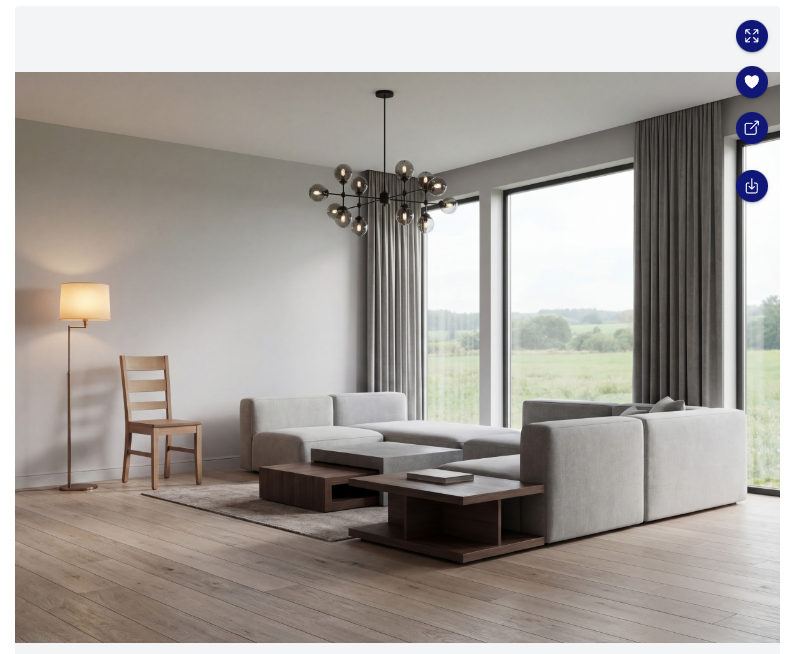
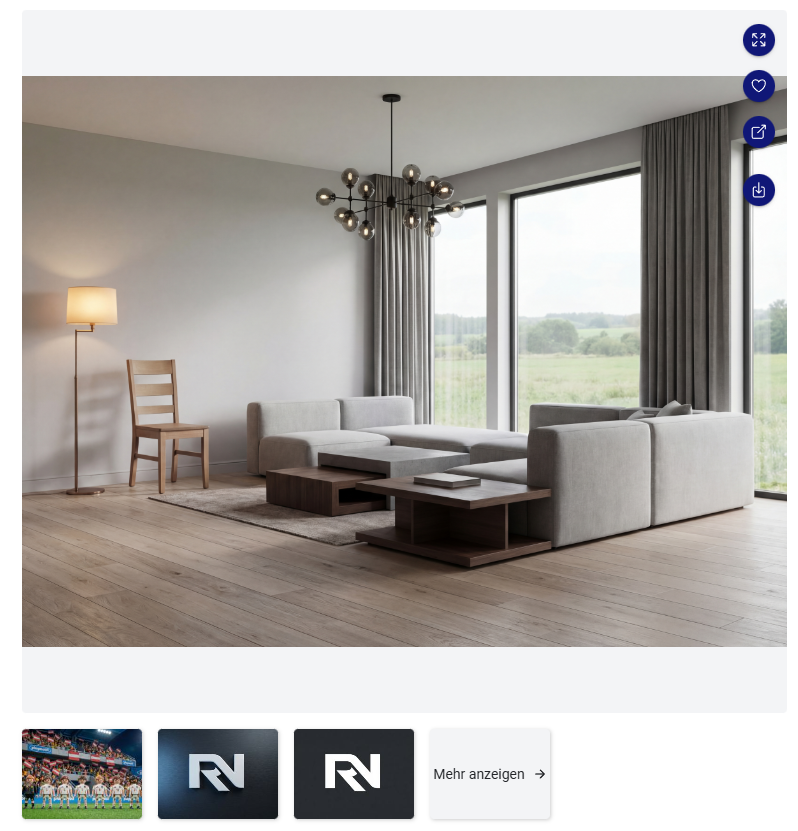
When you generate an image, it will appear in the **image result panel on the right side**.\
In the top-right corner of the result, you’ll find **four action buttons** that help you review and use your image more efficiently.
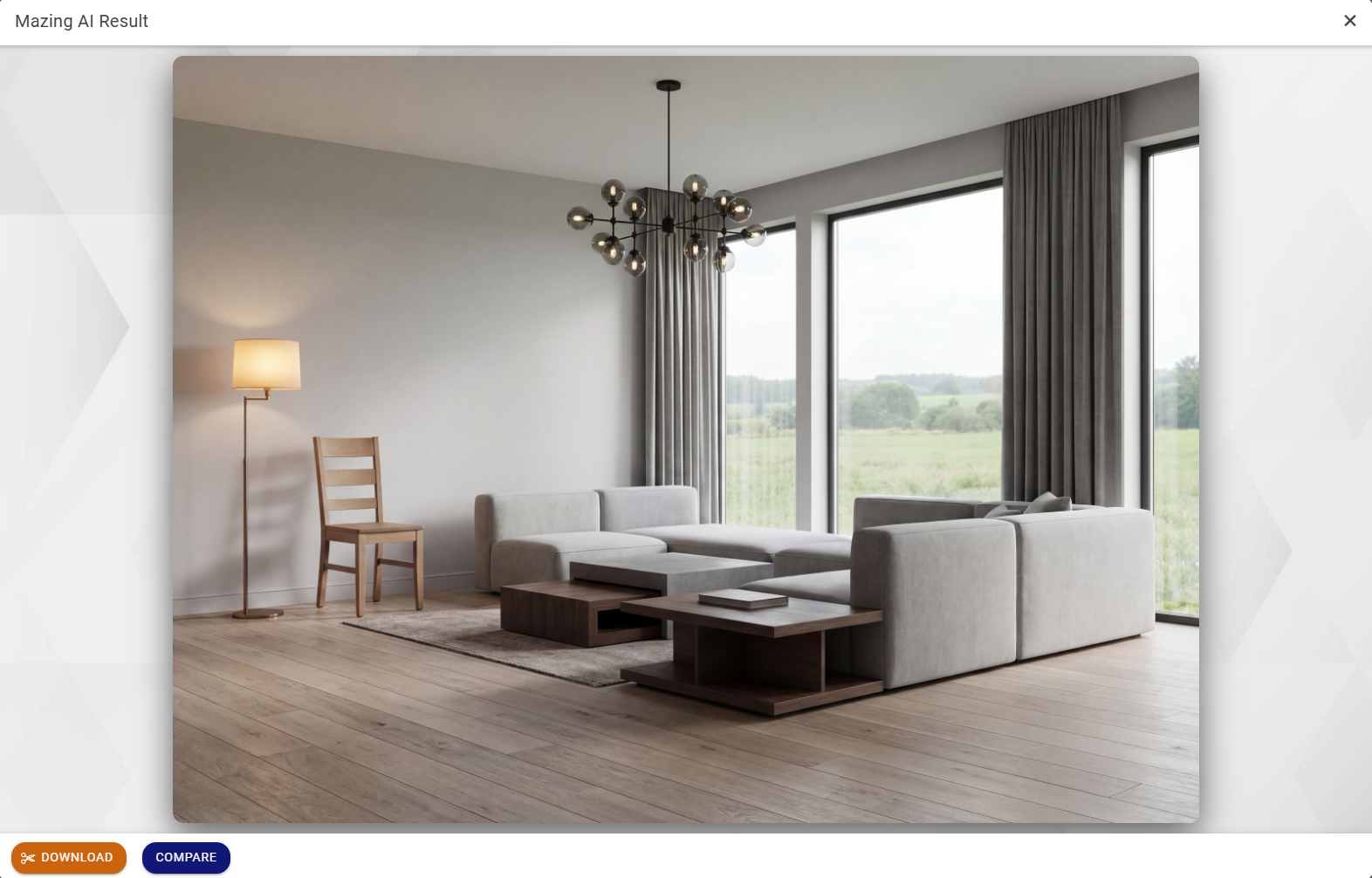
Use the **first button** to expand your result.\
In full-screen view, you can:
* View the image in full size
* Download the result
* Compare the result directly with the original input image
Use the **second button** to like your result.\
Liked images are marked with a **red heart** and can be found more easily later in your **History**.
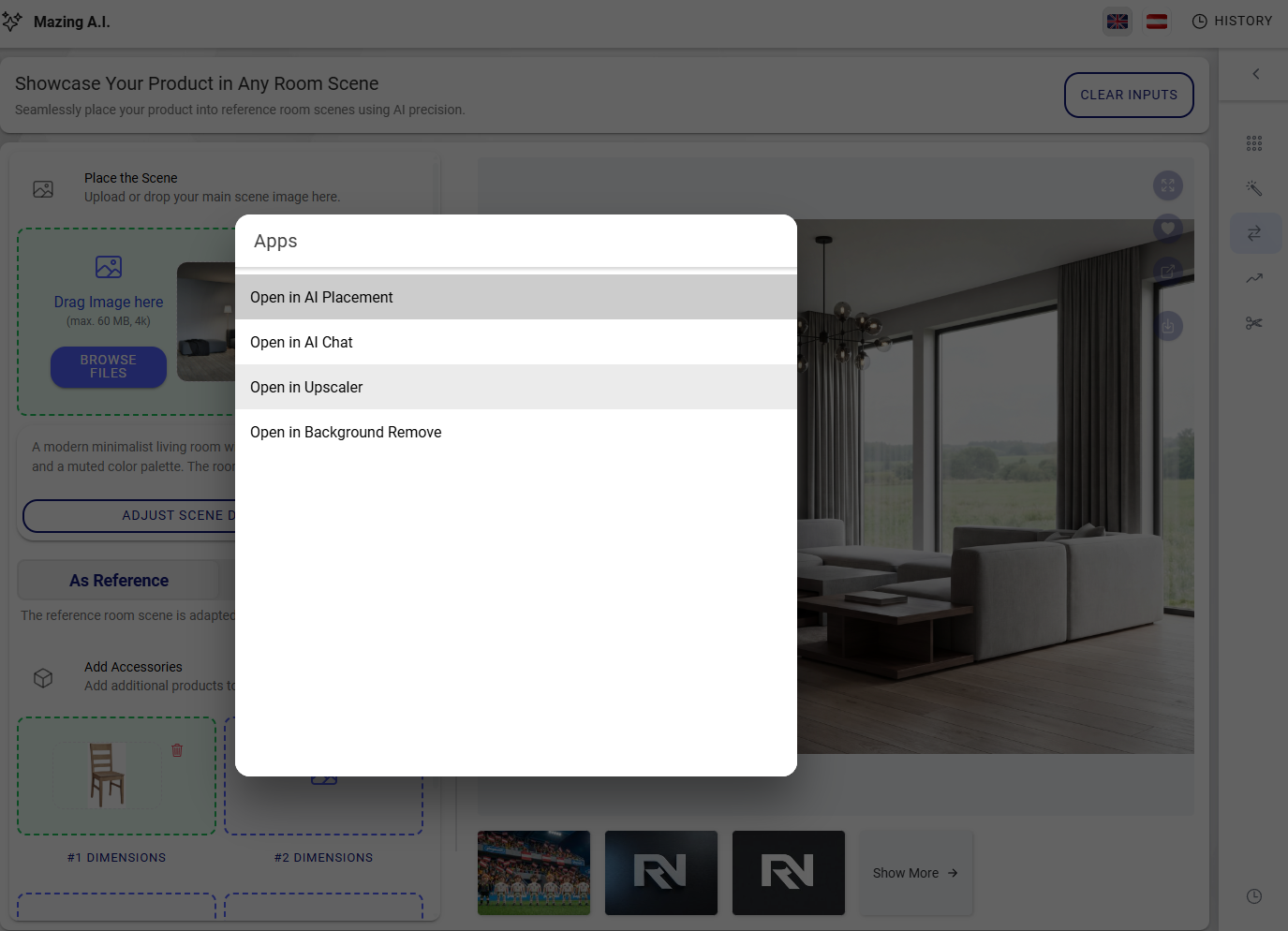
Use the **third button** to instantly use the result in another app.\
Clicking this button opens the **app selector**. Once you choose an app, the image will open there automatically and you will be redirected.
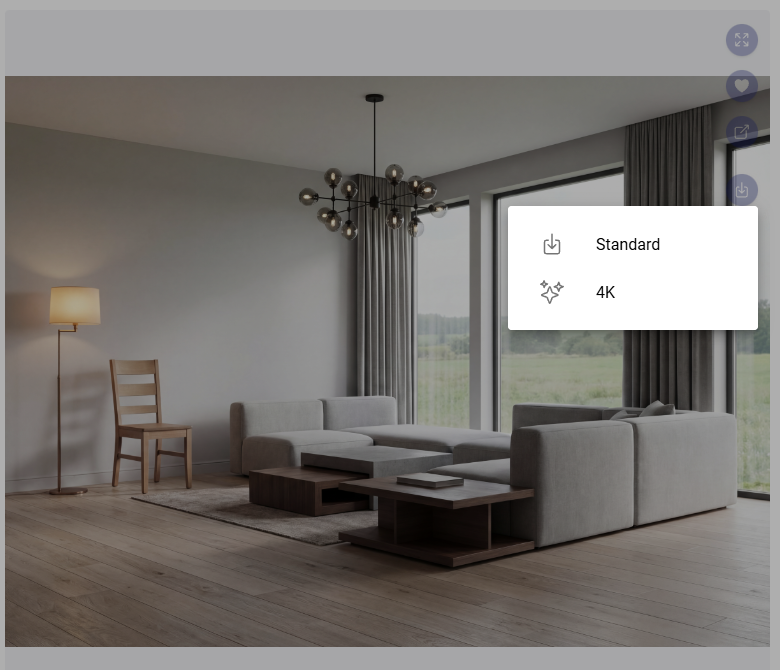
Use the **fourth button** to download the image.\
You can choose between:
* **Standard Download** – starts instantly
* **HQ 4K Download** – may take up to **30 seconds** and runs in the background
.gif?alt=media&token=0857d11e-1eec-4d38-994f-f0851c2ae1d7)